10 Business Tasks You Should Automate with Claude AI in 2026
1. Customer Support Replies
Most support questions are variations on a theme, pricing, delivery, refunds, account issues, the same dozen things asked in slightly different words. Writing each reply by hand is slow, and the wording drifts depending on who’s typing. Claude can read an incoming message, work out what the customer actually wants even if the email is long and rambling, and draft a clear, on-brand reply your agent can send or tweak in seconds. The point isn’t to remove your support team, it’s to make them faster and free them for the conversations that genuinely need a person. That speed matters more than people think: HubSpot notes that faster response times lift customer satisfaction and retention. Fewer emails sit unanswered, replies stay consistent, and your team spends its attention where it counts.2. Email and Follow-Ups
The inbox is where good intentions go to die. Some emails are urgent, some need a one-line confirmation, some need a careful reply, and without a system the important ones slip through while leads quietly go cold. Claude can summarise long threads, flag what’s urgent, draft replies based on the context, and write the friendly follow-up nobody got around to sending. Follow-ups are where this pays off most, because most leads don’t convert on the first message, they need a nudge. Keeping that communication steady without your team hand-writing every line is exactly the sort of thing a proper workflow automation setup handles, so sales conversations keep moving and clients feel like someone’s actually paying attention.3. Meeting Notes and Action Items
Meetings can be productive, but someone always has to capture what was decided, and that someone usually doesn’t. Hand Claude a messy set of notes or a transcript and it’ll turn them into a clean summary: decisions made, who owns what, deadlines, and the next steps, separated from the small talk. Instead of spending another half hour tidying up, the structure is done for you. For teams juggling lots of clients or remote members, this is the difference between things getting done and things getting forgotten. When every meeting ends with a clear list of who’s doing what by when, managers stop repeating themselves, people know their tasks, and accountability stops depending on whoever happened to be taking notes.4. Content and Blog Planning
Content keeps a business visible, but staying consistent is hard when nobody’s sure what to write or when. Claude helps on both ends, generating topic ideas, building outlines, drafting posts, tightening readability, and turning one solid article into a stack of smaller pieces for other channels. A single blog can seed LinkedIn posts, a newsletter, and a few social captions without starting from zero each time. That said, this is a place to keep a human firmly in the loop. AI is great for the heavy lifting of drafting and planning, but real examples, opinions, and brand voice come from you. The best results come from pairing Claude’s speed with a person who edits, adds genuine expertise, and makes sure it actually sounds like your business.5. Lead Qualification
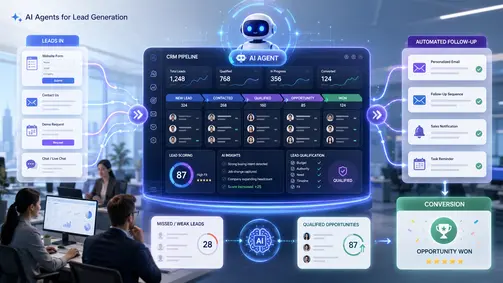
Not every lead is worth the same effort. Some are ready to buy, some are just browsing, and some were never a fit. When sales reps treat every inquiry the same, they burn time sorting before they can sell. Claude can read form submissions, emails, and chats and group leads by signals like urgency, budget, and intent, so a message saying “we need automation next month” rises above a vague “what do you do?” This is a first-pass filter, not a final verdict, a human should still review the promising ones. But cutting out the manual sorting means your team responds faster to the leads that matter and stops letting high-value prospects sit in a pile of low-intent noise. It’s a small change that quietly improves your whole follow-up speed.6. Reports and Weekly Updates
Reports matter, but building them by hand is draining. The data lives in a dozen places, messages, docs, emails, spreadsheets, and someone has to gather it all and shape it into something a manager can actually read. Claude can pull scattered notes together into a structured update with highlights, problems, and priorities, so a weekly report takes minutes instead of an afternoon. A good report doesn’t just list information, it helps someone decide what needs attention. When the formatting is automated, leadership spends its time acting on the insight rather than assembling it. We saw exactly this kind of admin-crunch get cleared away in our ecommerce operations automation case study, where the manual reporting load came down sharply.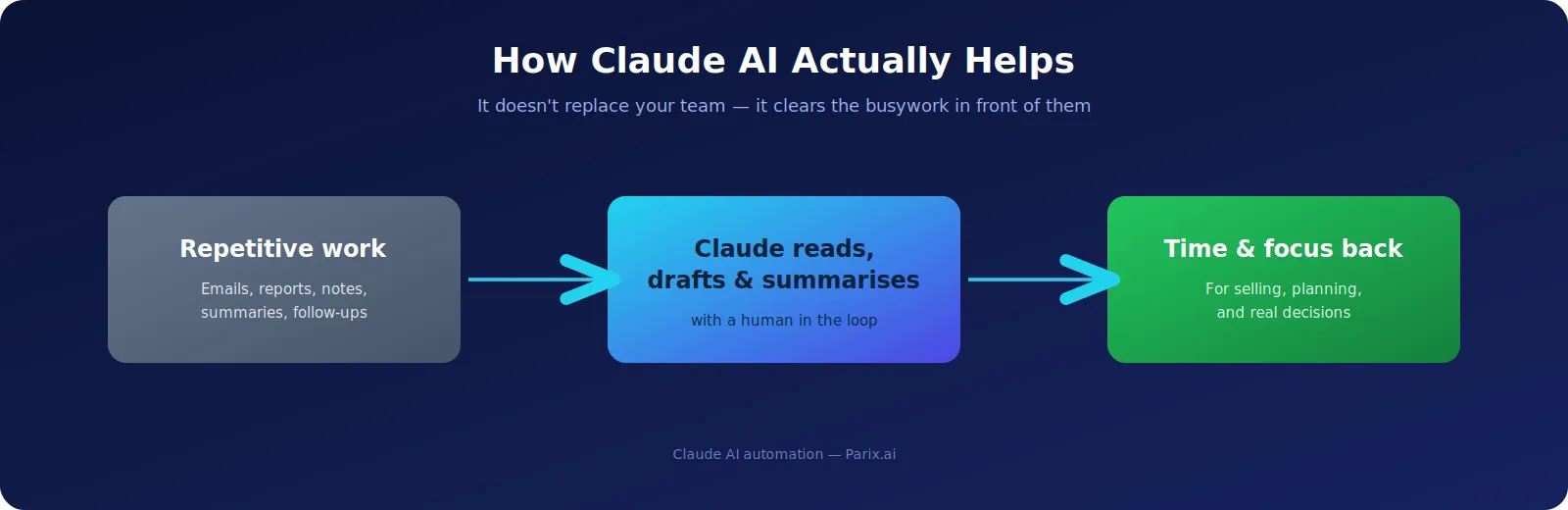
7. Document Review and Summaries
Businesses drown in long documents, contracts, proposals, briefs, SOPs, policies, manuals, and most of the time you only need the key points, not every page. Claude can read a long file and pull out the essentials: a client brief’s goals, scope, deadlines, and deliverables, or the parts of a policy your team actually has to follow. It can also compare documents and flag the differences. For anyone handling a lot of written material, project managers, HR, legal, operations, this turns hours of reading into a quick review followed by focused attention where it’s needed. Better still, when people clearly understand requirements and responsibilities up front, they make fewer of the expensive mistakes that come from skimming or missing a clause.8. HR and Recruitment Support
Hiring eats time long before anyone gets hired, writing job ads, reading resumes, preparing interview questions, drafting onboarding docs. Claude can write a job listing from your requirements, summarise candidate resumes against that listing, prep interview questions, and put together onboarding material, taking the repetitive admin off the recruiter’s desk. Hiring decisions about people should never be fully handed to AI, judgement, culture fit, and gut feel are human calls. But automating the paperwork around the decision gives HR more room to focus on the actual conversations, which makes the whole process less of a slog for the team and a better experience for candidates too.9. Social Media Repurposing
Plenty of businesses start posting consistently and then run dry, out of ideas, out of time, or both. The trick is to stop creating everything from scratch. Claude can take one good piece of content and reshape it for different platforms, pulling the strongest points from a blog post and turning them into LinkedIn updates, captions, short threads, or a newsletter blurb. That repurposing approach is what keeps a brand visible without grinding out fresh ideas every single day. Consistency is what builds familiarity and trust, and posting regularly keeps you in front of your audience, so reusing your best material intelligently beats burning out trying to be original from nothing.10. Process and Workflow Documentation
A lot of businesses run on knowledge that lives only in people’s heads. Everyone knows how things get done, but nothing’s written down, so when someone leaves or a new hire joins, the process gets shaky. Claude can turn rough notes into proper SOPs, checklists, training guides, and knowledge articles, capturing how the work actually happens in a form anyone can follow. Documented processes are one of the quiet foundations of scaling, because teams stop relying on memory and everyone follows the same steps, which means fewer mistakes and faster training. If you want to go deeper on building this kind of system, our guide to AI-powered workflow automation walks through how it fits together.What You Shouldn’t Fully Automate
For all its usefulness, Claude works best as an assistant, not a replacement for judgement. Some things still need a human in charge, handling sensitive complaints, making legal or financial calls, final hiring decisions, brand-critical messaging, high-stakes sales conversations, and strategy. Automating those outright is where AI projects tend to go wrong, a trap we unpack in our piece on why AI automation projects fail.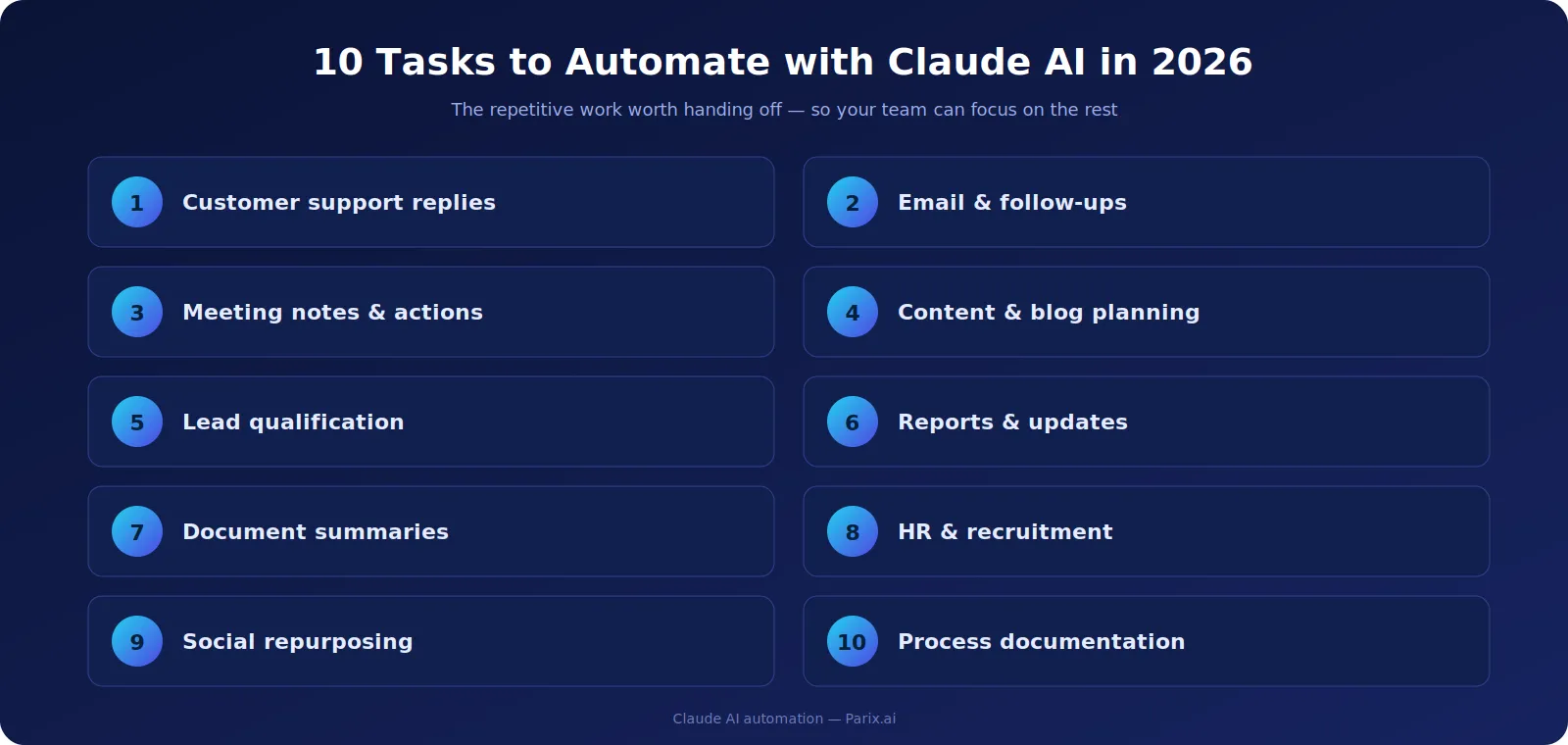
How to Get Started
The simplest place to begin is to ask what eats the most time in your week. Which tasks repeat daily? Where do mistakes keep happening? What questions do customers ask over and over? What reports take forever? The answers point straight at your best automation candidates, the repetitive, draining, rule-based work. Then start with just one workflow. Get it working, measure whether it actually helped, refine it, and only then move to the next. Trying to automate everything at once is how teams end up confused; starting small lets you prove the value first. If you’d rather build without heavy technical setup, our guide to no-code AI automation shows how to get going quickly.Why It Matters in 2026
Automation isn’t just for big enterprises anymore, startups, agencies, consultants, and small teams can all use AI integration to clear the daily grind. And the real win isn’t only speed, it’s focus. When the repetitive work runs in the background, your people get their attention back for planning, building relationships, selling, and growing, the things that actually move a business forward. The gap between businesses that use AI well and those still doing everything by hand is widening. The ones who automate the routine and keep humans on the decisions will simply move faster and serve customers better. That’s the whole game in 2026: combine smart automation with good judgement, and let each do what it’s best at.Want Claude AI Automation for Your Business?
At Parix.ai, we build AI systems that take the manual work off your team, from customer support and lead handling to reporting and workflow automation, tailored to how your business actually runs rather than a one-size-fits-all template. If you’d like to stop losing hours to routine tasks, talk to the Parix.ai team about where to start.FAQs
What business tasks can Claude AI automate?
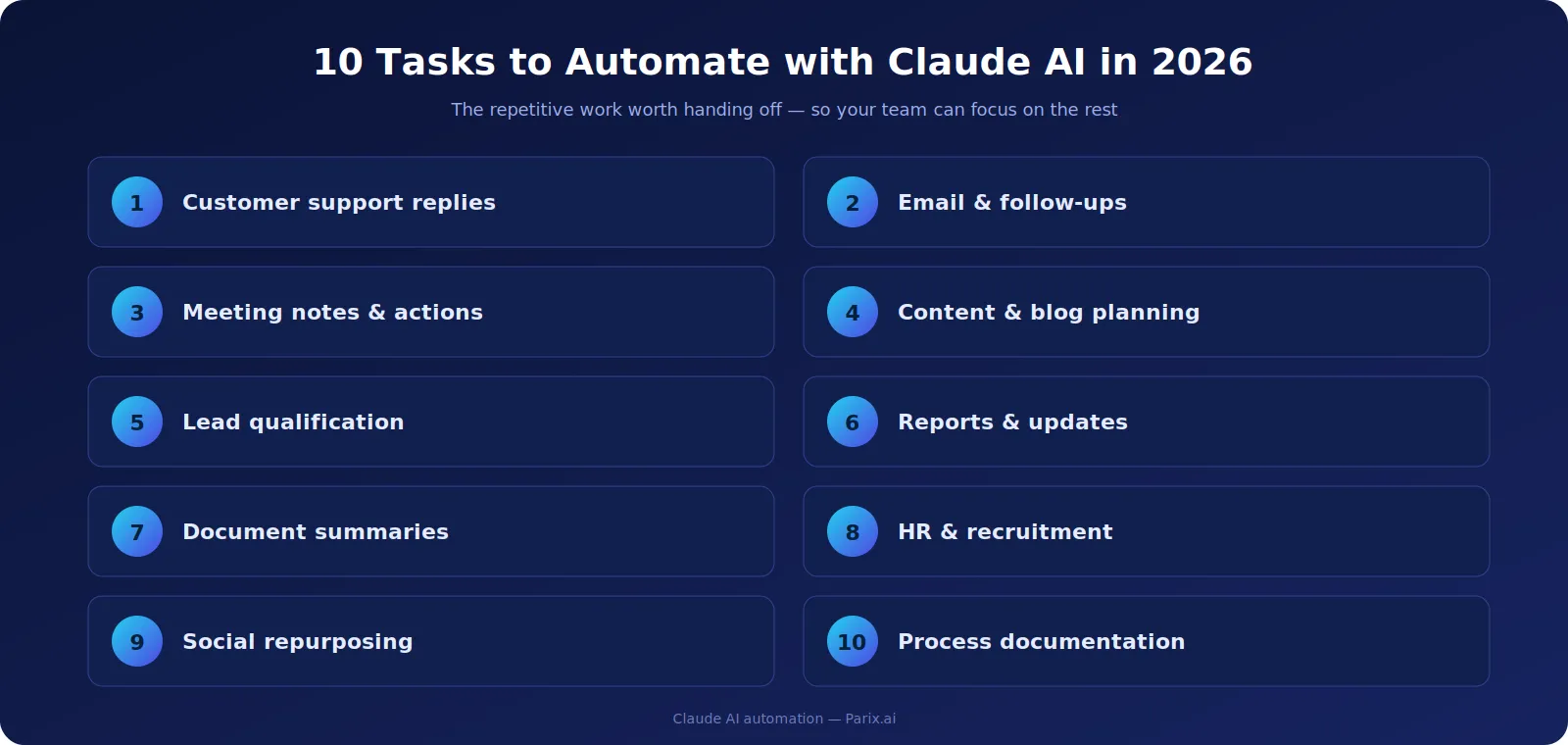
Claude is well suited to repetitive, text-heavy work: drafting customer support replies, managing email and follow-ups, summarising meetings and documents, planning and writing content, qualifying leads, building reports, supporting recruitment, repurposing social posts, and documenting workflows.
Will Claude AI replace my employees?
No. Claude works best as an assistant that clears repetitive busywork so your team can focus on judgement calls, relationships, and decisions. The strongest results come from pairing AI speed with human oversight, not removing people.
Which tasks should not be fully automated?
Anything that needs empathy, accountability, or a real decision, sensitive customer complaints, legal and financial choices, final hiring calls, brand-critical messaging, high-stakes sales talks, and strategy. Automate the repetitive parts, keep the judgement human.
How do I start automating with Claude AI?
Find the task that eats the most time, automate that one workflow first, measure whether it helped, refine it, then move on to the next. Starting small lets you prove the value before scaling, rather than trying to automate everything at once.
Is Claude AI automation only for big companies?
No. Startups, agencies, consultants, and small teams benefit just as much, often more, since clearing repetitive work frees a small team to focus on growth. The tools are accessible regardless of company size.
Not sure which of these to start with? Our free AI Business Automation Idea Generator looks at your business and suggests the highest-impact tasks to automate first.